

Do you have dual display settings in the office? Do you think this is convenient for your work? You should know why you need it before setting dual display.
Many people use dual display settings while working. In the end, dual display settings will bring you higher productivity or more interference?
Reasons to set dual display settings
1. Big size
Most people work with laptops. When meeting with customers, they can easily work and report anywhere. It is very convenient for people who need to work often. However, the size of the laptop is not large enough, so it is not suitable for long -term use. Therefore, people usually need to add an additional monitor to expand the display size.
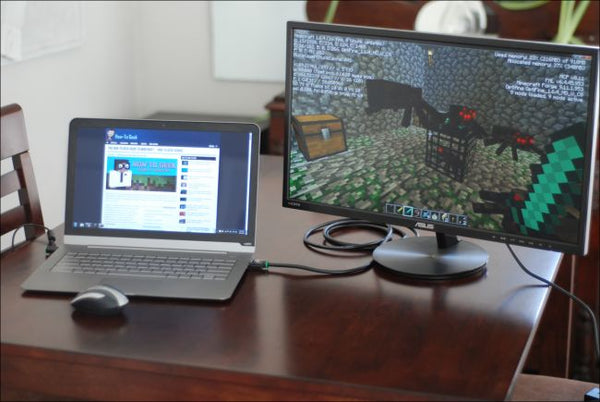
2. Need to use different programs at the same time
Works such as Chengfang, investors, or video editors need to often use various programs at the same time. A display may not allow them to start different programs at the same time. Therefore, dual display settings allow them to easily use different programs at the same time.
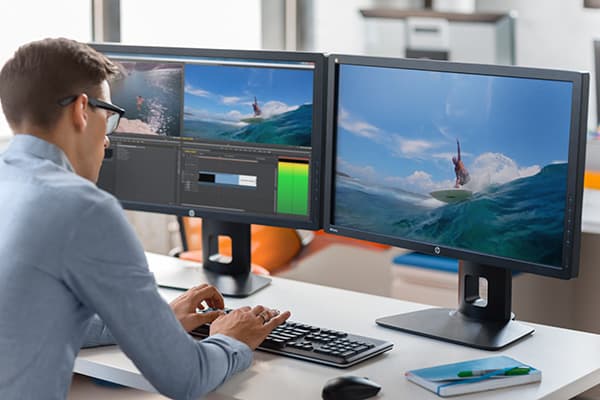
Dual display settings can increase productivity because they need to expand the display size. However, some people may think that dual display settings are useless because it is not easy to set.
If your laptop requires additional displays, the laptop should have an HDMI output port for connection. In addition, you should get extra power for external display. Some laptops (such as MacBook) do not have an HDMI connection port, and you need to use the HDMI connection converter. These settings are complicated, which will make your desk messy. In addition, the dual display setting requires a larger desktop, and people may need to reinterpret the desk for the additional display.
However, technology can solve all above problems!
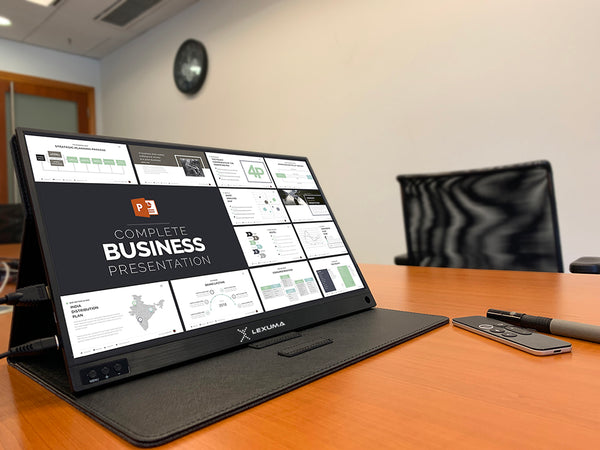
Today, dual display settings can be performed anywhere. Some new external monitors are light and portable. They can carry themselves like iPad Pro. The size of the portable display is about 15.6 inches, which is enough for the office. In addition, a portable display can be connected with type C or HDMI cables. You can connect your laptop, tablet, and even smartphones to portable monitors. You can easily and effectively show your thoughts.
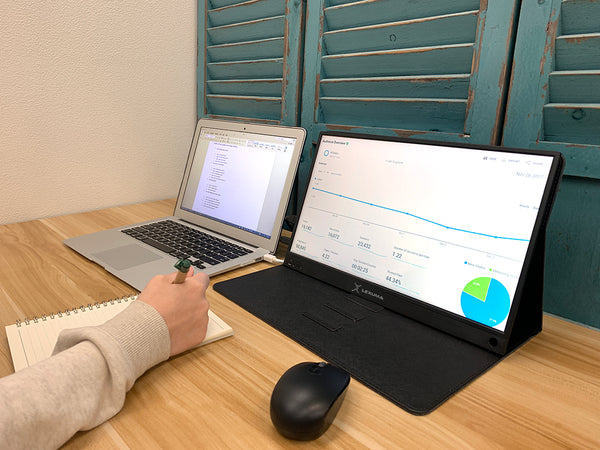 View our portable display XSCREEN
Some people may worry about the setting of a portable display. The portable display can generate power from the connected device. You don't need to get an additional power plug for an external display. Data can be displayed as long as you use HDMI cables or Type-C cables. The entire settings can be completed within 5 minutes.
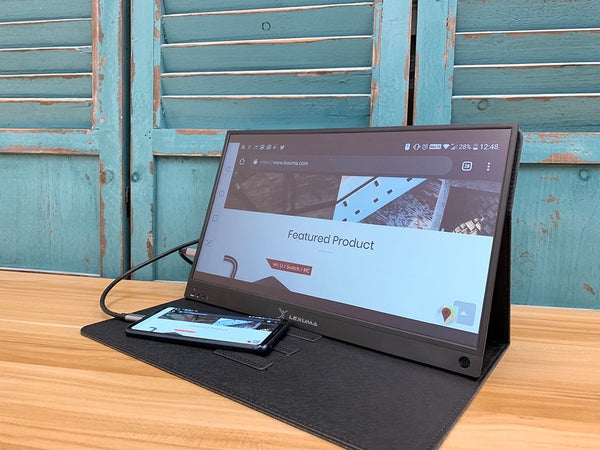
Dual display settings are very suitable for people who need larger displays to monitor people with different programs. If an additional display is required, you can consider using a portable display, which is easier to set up and increase productivity.
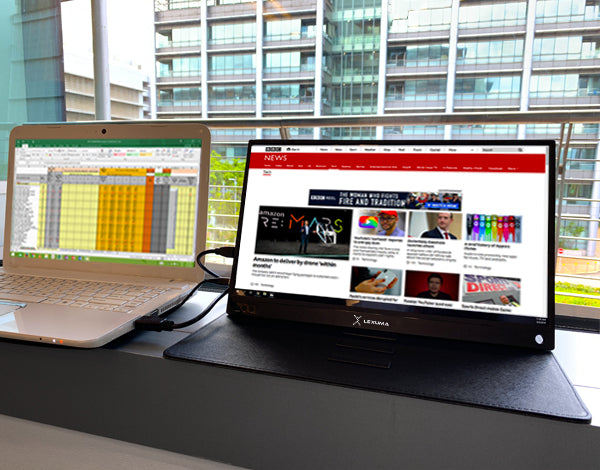
Get the latest version of the portable display!