

There are two versions of XSCREEN external display, so which one should we choose? Bring a built -in battery version or no built -in battery version?
In our modern society, pursuit of efficiency has become our instinct. When we want to pursue everything are the fastest, portable things will become meaningful. Of course, the best working area has a lot of laptops and mobile phones, but it is still not enough. Portable monitors will be another important equipment for your productivity and progress. By using our XSCREEN portable display, you can enjoy more working space and free areas when you connect with laptops, smartphones, game devices and other devices.
According to your needs, different versions of XSCREEN have been developed, including versions with built -in batteries and versions without built -in batteries. You can compare these two versions, and then choose the most suitable version for you.
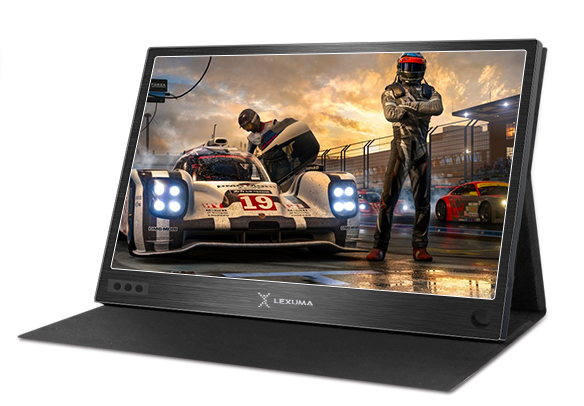
Exterior:
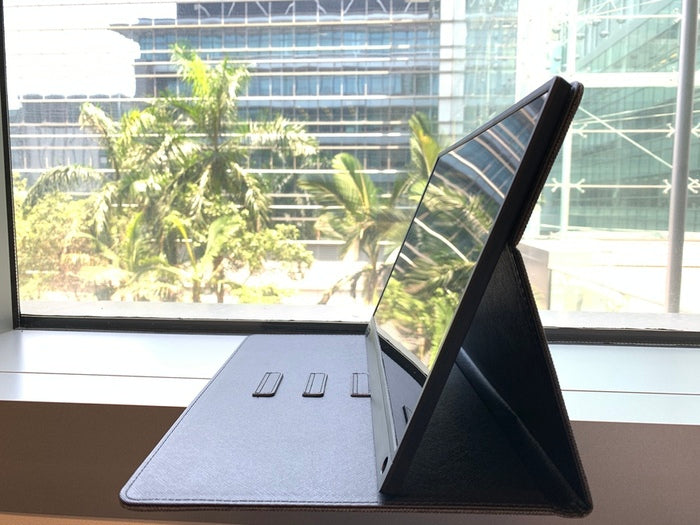
The two versions of XScreen are black. They have leather cases. Leather case comes with support function.
Specification:
size:
XSCREEN (built -in battery version): 356 x 224 x 9 mm
XSCREEN (without built -in battery version): 356 x 224 x 9 mm
Data port:
XSCREEN (built-in battery version): Type-C, Mini HDMI
XSCREEN (without built-in battery version): Type-C, Mini HDMI
Screen pixel:
XSCREEN (built -in battery version): 1920rgb * 1080p
XSCREEN (without built -in battery version): 1920RGB * 1080P
screen ratio:
XSCREEN (built -in battery version): 16: 9
XSCREEN (without built -in version version): 16: 9
Power input method:
XSCREEN (built-in battery version): Type-C
XSCREEN (without built-in battery version): Type-C
The built -in battery version of XSCREEN is the same as the specifications and appearances without built -in battery versions. Their display will provide the same video and images (with the same size and the same pixels).
feature:
Compatible equipment:
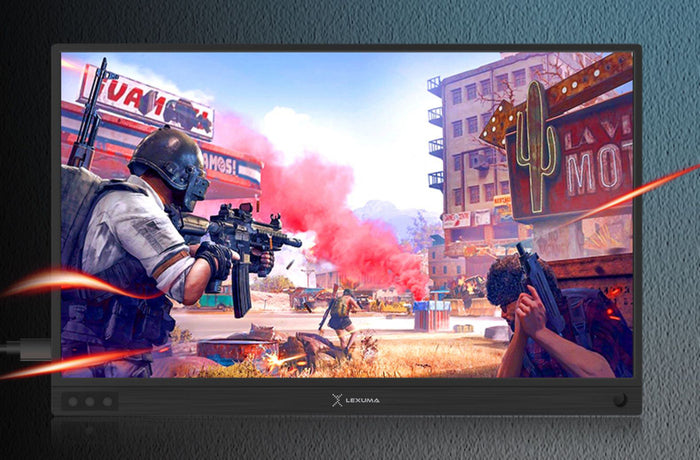
XSCREEN (built -in battery version): compatible with Windows desktop/laptop, MacBook, smartphone, Switch, PS4 and other compatibility (with video output support)
XSCREEN (without built -in battery): Compatible with Windows desktop/laptop, MacBook, smartphone, Switch, PS4, etc. (with video output support)
They are compatible with device supporting video output. If your device can support video output, you can use XSCREEN directly. If your device does not support video output, then XSCREEN's wireless version is more suitable for you. Please visit the wireless Portable Monitor XScreen here.
The Apple device can use a adapter to convert the plug and port to HDMI to use XSCREEN. If you don't want to use a adapter, you can try the wireless version of XSCREEN.
please atHereVisit wireless XSCREEN externalmonitor。
If you don't know if your device supports video output, you can be inHereCheck. Or, you can contact us for inquiries.
Touch screen function:
XSCREEN (built-in battery version): support (Type-C video output)
XSCREEN (without built-in battery version): Support (Type-C video output)
They all support touch screen functions. The touch screen function of the XSCREEN portable screen can be used for Type-C data output. If your device does not support Type-C data output, you can still use USB A to Type-C wire to use the touch screen function.
Main differences:
LED status:
red:
XSCREEN (built -in battery version): Low charging/battery power
XSCREEN (no built -in battery version): boot but no signal
blue:
XSCREEN (built -in battery version): successful connection
XSCREEN (no built -in battery version): boot and detect the signal
None:
XSCREEN (built -in battery version): No electricity
XSCREEN (no built -in battery version): no power supply
green:
XSCREEN (built -in battery version): No connection on boot
XSCREEN (without built -in battery version): No green LED indicator light
LED lights represent different states. It may not affect your purchase decision, but you can refer to it.
Mainly refer to the following points:
XSCREEN (built -in battery version): with built -in battery
XSCREEN (without built -in battery version): without built -in battery
Power support:
XSCREEN (built -in battery version):
Charging time: 3-4 hours
Battery capacity: 6000 mAh
Operation time: 4 hours
XSCREEN (without built -in battery):
Connect to mobile power or any power supply
The main difference between them is the battery. For built-in battery versions, you can use XSCREEN external with XSCREEN for about 3-4 hours after full 3-4 hours.monitorEssence You can easily take it to anywhere. Use this version of XSCREEN externalmonitorThere is no need to charge the battery. When using XSCREEN with built -in batteries, there are fewer wires you need to use. Therefore, it will have high portability because you can carry less wires when you go out!
For versions without built -in batteries, you can connect XSCREEN portable display to mobile power and any power supply. If you want to use XSCREEN for a longer time (more than 4 hours), you can try this version. XSCREEN (without built -in batteries) can be supported by mobile power and power supply. Therefore, the operation time depends on the capacity of mobile power and power equipment. By stable power support, it can run for a longer time.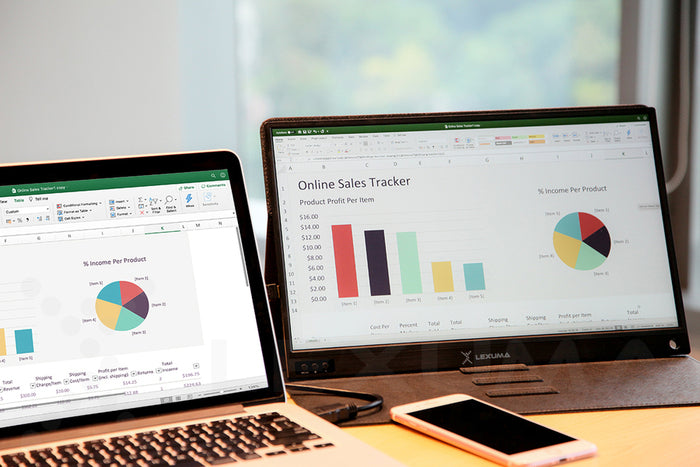
weight:
XSCREEN (built -in battery version), with leather case: 1.1kg
XSCREEN (without built -in battery) with leather case: 1kg
XSCREEN (built -in battery version) No leather case :: 780g
XSCREEN (no built -in battery version) without leather case: 680g
Their weight is slightly different. The battery is about 100 grams. You will see that they are all light and easy to carry. If you are considering weight and want to use lightweight products, you can remove the leather case of our portable display, or you can also buy lighter XSCREEN. If you are considering using this function, please refer to the above main differences for comparison.
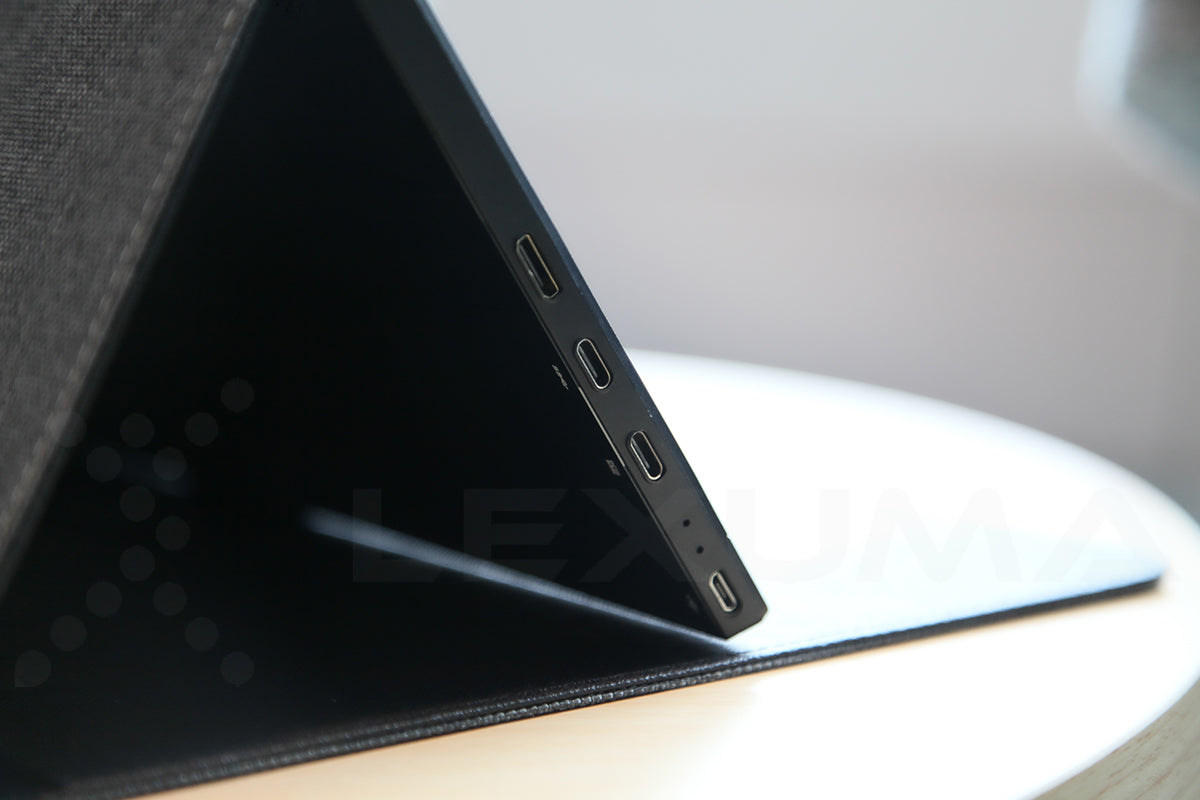
XSCREEN's built -in battery version and XSCREEN without built -in battery versions can meet your different needs. You can buy according to your own purpose. If you want to carry less wires, the built -in battery version will be more suitable for you. If you want to operate a portable display for a long time, then the version without a battery will be your better choice.
For more information about XSCreen, visit our product page.