

What is the LEXUMA XSCREEN 15.6 "4K UHD portable light touch display?
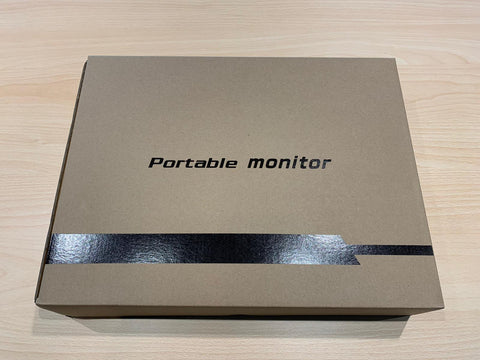
After buying Lexuma Xscreen 4K, you will receive a carton, which is bread in ityouLexuma XSCREEN 15.6 "4K UHD portable light touch stylemonitor。
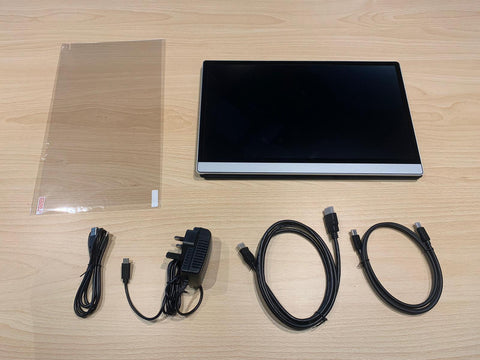
When you open it, you will see 5 objects, including silverLexuma XScreen 15.6 "4K UHD portable light touch stylemonitor3 wires (3 wires (HDMI wire, USB to Type C wire, Type C to Type C wire ),chargerandUser manualEssence When you open the covermonitorofprotective caseAt that time, you will still see onescreen protector。
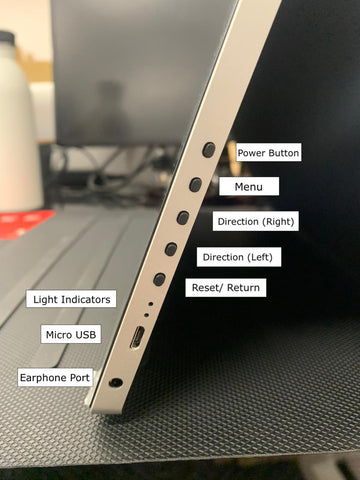
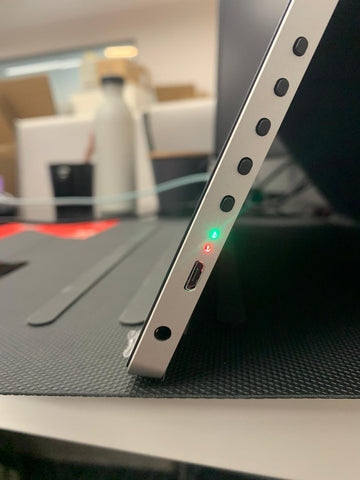
The right side of the displayFive buttons, two indicators, oneMicro-USB socket and a oneHeadphones socket.
There is on the left side of the displaytwoType C socket and a mini hdmijack.

About 2 Type C sockets;aboveOne forType C chargingYou can insert the Type C wire for charging (for example, using the attached charger or other external charger;underInTouch -type function, When you insert a Type C wire, put it in the same timemonitorandyouWhen the computer or other device is connected, it will give your XSCREEN a touch function. Regarding the mini HDMI socket, you can insert the HDMI wire and export the screen of your device to XSCREEN.
And when you play the video through XSCREEN 4K, the sound will be sent from XSCREEN, thenyouDo you know where the sound comes from?
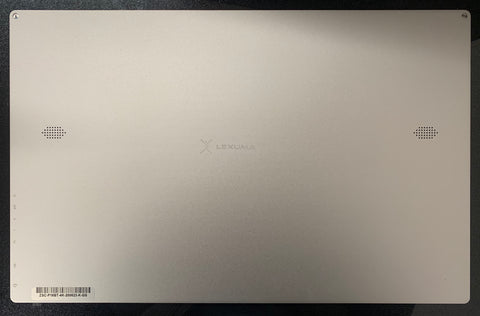
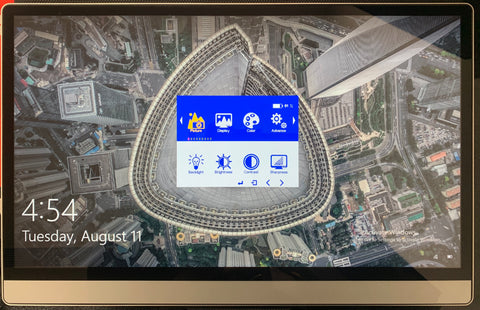
Lexuma XScreen 15.6 "4K UHD portable light touch stylemonitorIt is lightweight, and the operation is simple.youA good partner for work and fun!